
What OpenClaw is
OpenClaw is an open-source AI agent framework that runs on individual computers using LLMs to create personal agents. Peter Steinberger, a software developer, published the first version of OpenClaw under the name “Clawdbot” in November 2025 because he wanted a true AI personal assistant instead of a chatbot with limited capabilities.
That is what makes OpenClaw interesting. It is not just another interface for asking questions. It is meant to give a model the tools and freedom to actually do work. Once you move from chat to action, the setup matters a lot more because the real decisions are no longer about prompts. They are about where the agent runs, what it can access, and how much autonomy you are willing to give it.
Hardware and where the agent should live
The first setup decision is not really the hardware. It is whether the agent should live on a dedicated machine. If you want to get the most out of an agent, I strongly recommend giving it a separate computer or at least a sandbox where it has room to work without direct supervision. There are already enough examples of agents deleting or editing the wrong files to take that seriously.
AI agents also create real security risks. New users unintentionally share API keys publicly, and agents can expose personal data through prompt injections or over-permissioned tools. That is why I think OpenClaw should be treated more like a system you are responsible for than a toy you casually install.
If you are already using Apple products, a Mac Mini is a popular option because it is reliable, reasonably priced, and easy to connect to the rest of the Apple ecosystem. If you are using a cloud-hosted LLM, the model handles the heavy compute, so you do not need extraordinary local hardware. It still helps to have a dependable machine that can run programs, tools, and tasks without becoming the bottleneck.
For other operating system users, most computers will do fine. A friend gave me a 2012 Dell Inspiron 660s with no dedicated GPU, 16 GB of DDR3, an Intel Pentium, and 256 GB of storage. It struggled on Windows, but after I installed Linux it handled agent tasks well. It still cannot run a serious local LLM, but it works as a host machine for cloud models. That is a good reminder that reliability matters more than raw horsepower for most OpenClaw setups.
Use a dedicated machine if you can. The fastest way to make an agent feel impressive is to give it freedom. The fastest way to regret that decision is to give it freedom on a machine you actually depend on.
Which model to use
Choosing the LLM is one of the most important decisions. Before installation, decide which model you want to use, sign up for the service, and save the API key somewhere safe for later. The biggest things to consider are price, intelligence, tool use, and reliability.
Ignoring cost, I think Claude Opus 4.6 is currently the best model for AI agents because of its reliability and strength at agent tasks. Other popular models are ChatGPT 5.4 and Gemini 3.0. Another option is to run a local model on your own computer. That lowers ongoing costs, but today it usually means accepting a lower level of intelligence than the leading cloud-hosted models.
Choosing the communication channel
The communication channel is how you interact with the agent. OpenClaw supports channels like Telegram, Discord, WhatsApp, Apple Messages, Slack, and others listed in the OpenClaw documentation. For whichever channel you choose, you need to set up a dedicated account for yourself and for the agent. In practice, that usually means another email, phone number, or both.
I chose Discord because I already use it a lot. It does not require a phone number or email for the setup I used, but it still took me a long time to get working properly. That is part of the point: the communication layer is not an afterthought. It becomes part of the install and part of the everyday usability of the agent.
Install and setup
Before installing, be honest about your computer skills. If you have no experience using a terminal, I would recommend paying for a Claude or ChatGPT subscription. OpenClaw is meant to be installed from the terminal, and tools like Claude Code or Codex can do a lot of the setup work for you or at least tell you how to do it.
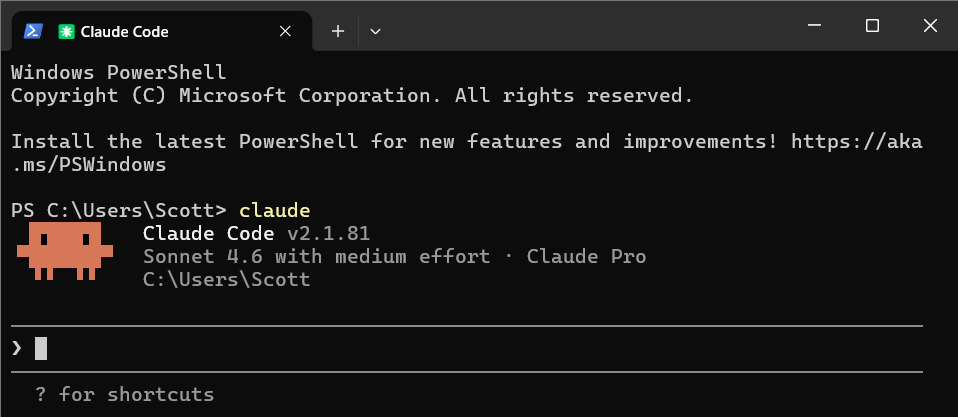
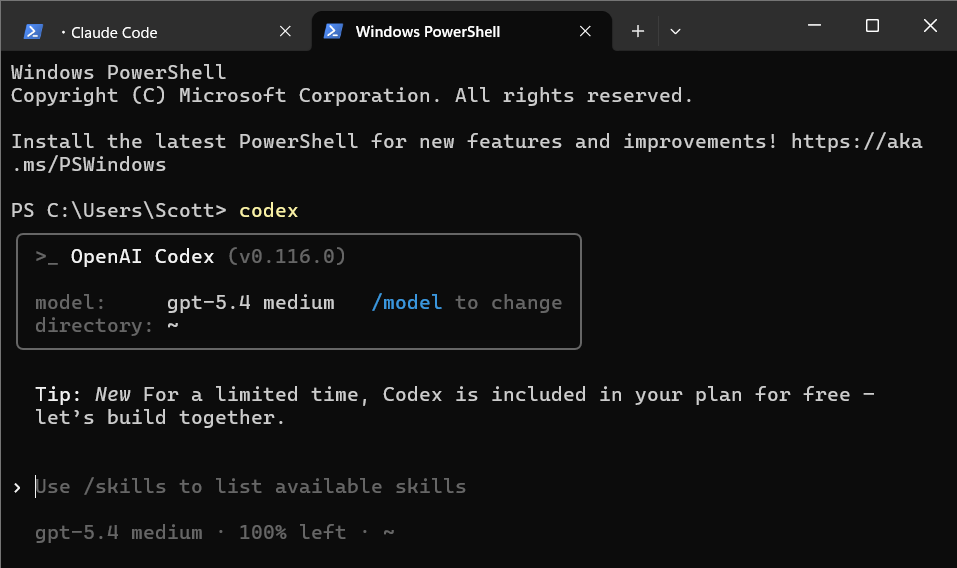
I would keep the first setup simple. Choose the model. Get the API key. Pick the communication channel. Then install the agent. One working agent with a narrow scope is more useful than a complicated setup that looks ambitious but never becomes stable.
Start working
Once it is running, start with practical tasks. Create cron-scheduled jobs to check email, read the daily news, review code, or handle other repetitive work. OpenClaw becomes much more interesting once it is attached to recurring tasks instead of just being a demo.
I also suggest joining OpenClaw communities on Discord, Reddit, and Moltbot. That is the fastest way to see what other people are doing with their agents and get ideas for your own setup.
More information is available at openclaw.ai.